
5 most common mistakes when using voice translators - how to avoid them so the translation is always precise?

How NLP technology meets reality: When artificial intelligence enters the real world
{author=1}Imagine landing at a bustling airport in Tokyo. You are surrounded by the hum of a language you do not understand. Not long ago, this meant leafing through phrasebooks or chaotic gesturing. Today, you take a small device out of your pocket or put on wireless earbuds and the language barrier disappears. This is NLP (Natural Language Processing) technology. How does a voice translator work? Speech is recorded, converted into text by an ASR system, translated by AI algorithms, and finally synthesized back into sound.
However, even the most precise automatic translation can fail when faced with user errors. The market offers solutions such as Wooask translation earbuds or a speech translator with a SIM card. However, even the best pocket translator requires proper operation. Learning the basic rules for using these devices helps avoid misunderstandings. Eliminating five typical mistakes guarantees smooth real-time translation.
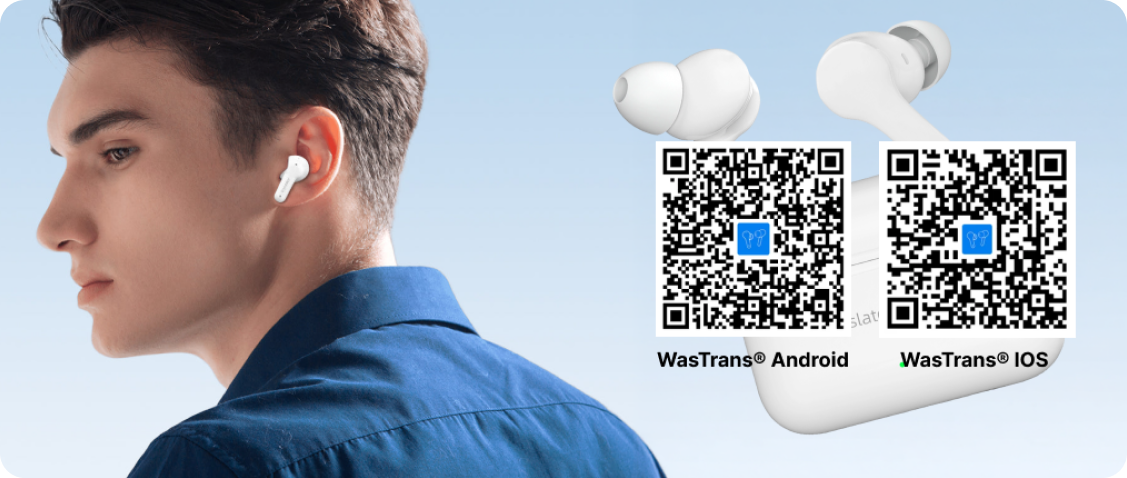
Mistake 1: Speaking in a stream of words without pauses (Segmentation problem)
Speaking continuously at a fast pace is a considerable challenge for NLP algorithms. A key process in voice translation is segmentation – dividing the audio stream into smaller, logical units. A lack of pauses causes the system to mix the subject with the predicate and assign context incorrectly, creating grammatical chaos. This is a common mistake that lowers translation quality.
The solution is to build short sentences and take natural pauses. Visual feedback makes it easier to control the process. The Wooask W12 Wi-Fi voice translator has a clear touchscreen on which it displays live word transcription. By seeing the text on the screen, you can adjust the pace of your speech in real time, ensuring an accurate translation.
Pro-tip: How to speak so the algorithm can keep up?
Speak as you would when dictating a message. After each sentence, take a clear, 2-second pause. This allows the NLP engine to precisely close the segment. Avoid fillers such as “yyyy” or “eee” – for the algorithm, this is informational noise that it tries to translate by force. Clear diction and a controlled pace are the key to success.

Mistake 2: Ignoring ambient noise and lack of noise reduction (ENC/ANC)
Using an app in a bustling restaurant or on a busy street often ends with incorrect text recognition. Speech recognition algorithms are sensitive to background sounds. Standard microphones record ambient noise, which prevents the system from correctly interpreting the utterance.
The solution is dedicated equipment with sound filtering. Wooask F56 translation earbuds use active (ANC) and environmental (ENC) noise reduction, which effectively cuts off street noise. An alternative is the Wooask A9 pocket translator with a dual HD microphone and AI-based noise reduction. Positive reviews of Wooask translation earbuds confirm that separating the voice from the background guarantees precise automatic translation.
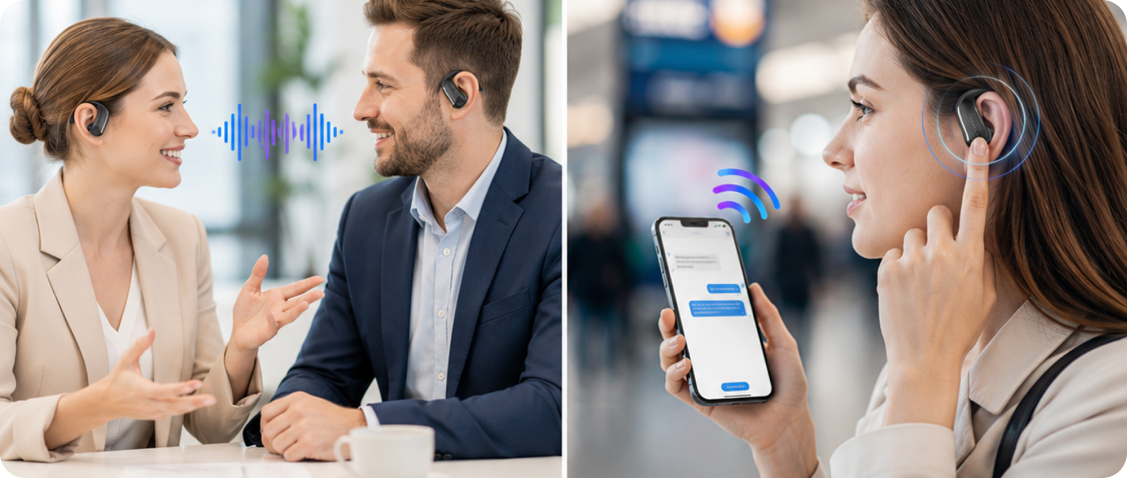
Mistake 3: Weak network connection and being unprepared for offline mode
No coverage at the airport or while traveling can completely block a translation app from working. Voice translators reach their full potential when connected to a network, using cloud-based AI engines that analyze context and slang. An offline electronic translator uses simplified packages stored in memory – they are a great alternative, provided they are downloaded before departure.
To maintain cloud quality and independence, it is worth choosing equipment with its own connectivity. The Wooask A9 4G SIM translator has a SIM card slot, so it automatically connects to the mobile network without the need to create a hotspot from your phone. In places with constant access to a wireless network, the Wooask A9S Wi-Fi model will work well, guaranteeing quick pairing and stable operation.
Mistake 4: Using slang, idioms, and mental shortcuts
Neural systems (NMT) process language in a mathematical and contextual way. Literal translation of Polish idioms such as “rzucić okiem” or “owijać w bawełnę” leads to incorrect and comical translations. The algorithm looks for the closest statistical equivalents, which rarely convey the hidden meaning of the metaphor.
To obtain precise automatic translation, you should simplify your statement. Instead of metaphors and jargon, it is worth using simple, direct Polish. Replacing the phrase “rzucić okiem” with “check” or “spiąć projekt” with “finish the work” will make the speech translator with a SIM card flawlessly convey the speaker's intentions.
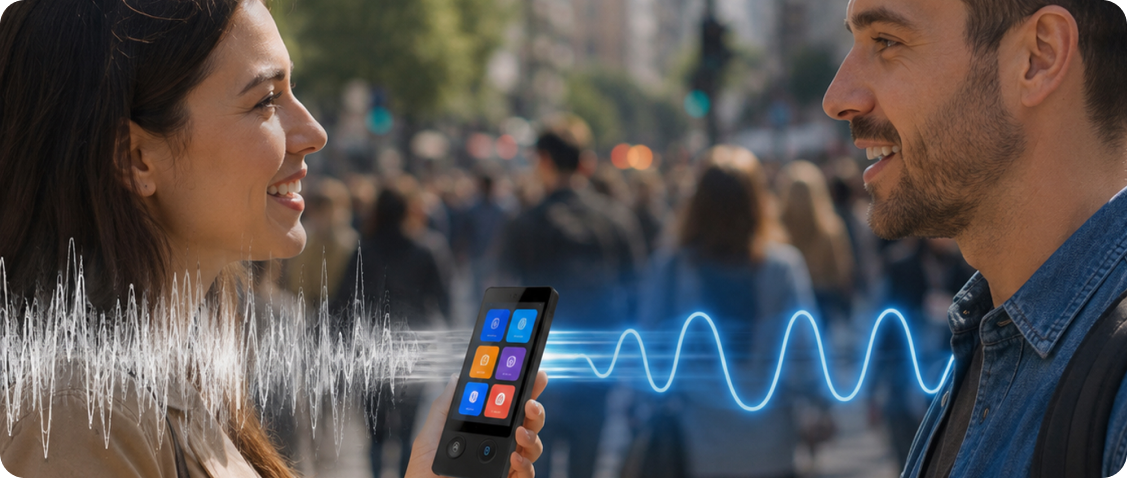
Mistake 5: Choosing the wrong device form for the situation (Earbuds vs Pocket translator)
The ergonomics of the equipment should match the conditions in which it is intended to work. Passing one device back and forth during a long conversation or trying to put an earbud into a stranger's ear on the street can be troublesome. Choosing the right form of transducer affects convenience and the smoothness of interaction.
For longer, direct dialogues, translation earbuds such as Wooask M3 or Wooask M6 are best suited. Each speaker puts on one earbud, and the translation goes directly into the ear in real time. In quick urban situations, while shopping or asking for directions, the Wooask W12 pocket translator works well. Its touchscreen allows the other person to read the message without having to put on in-ear equipment.
In-ear earbuds vs Pocket translator – what to choose?

In-ear earbuds (Wooask M3)
- Discretion and convenience – ideal for natural conversations without passing a device from hand to hand.
- Smooth dialogue – the translation goes directly into the ear in real time.
- Long meetings – an excellent solution for conferences and hours-long discussions.
- TWS format – they can also be used for listening to music and phone calls.
Pocket translator (e.g. Wooask W12)
- Independence – a model with a SIM card or eSIM works without connectivity to a smartphone.
- Offline mode – the ability to translate basic phrases without network access.
- Loud environment – efficient microphones with noise reduction and a powerful speaker make field work easier.
- Quick interactions – convenient in situations requiring a question to be asked instantly.
Key differences in a nutshell
- Operation – earbuds work with a mobile app, while a pocket translator has its own touchscreen.
- Power supply – earbuds charge in a case, while a pocket translator has a built-in battery with a long standby time.
- Application – earbuds work well for longer conversations, while a pocket translator is useful in dynamic travel situations.
FAQ
Summary: Your path to perfect translations with Wooask
NLP technology significantly makes it easier to break down language barriers. Obtaining precise translation only requires following the basic rules: using pauses, controlling noise, and choosing the appropriate operating mode. Remember to download offline packages in advance or prepare a SIM card before departure.
Properly selected equipment guarantees comfort and confidence in communication around the world. Check the translator offer on iotball.com, read the recommendations, and choose a solution tailored to your needs.


