




Router Cudy WR2100 dual band Wi-Fi 6 2100mb/s
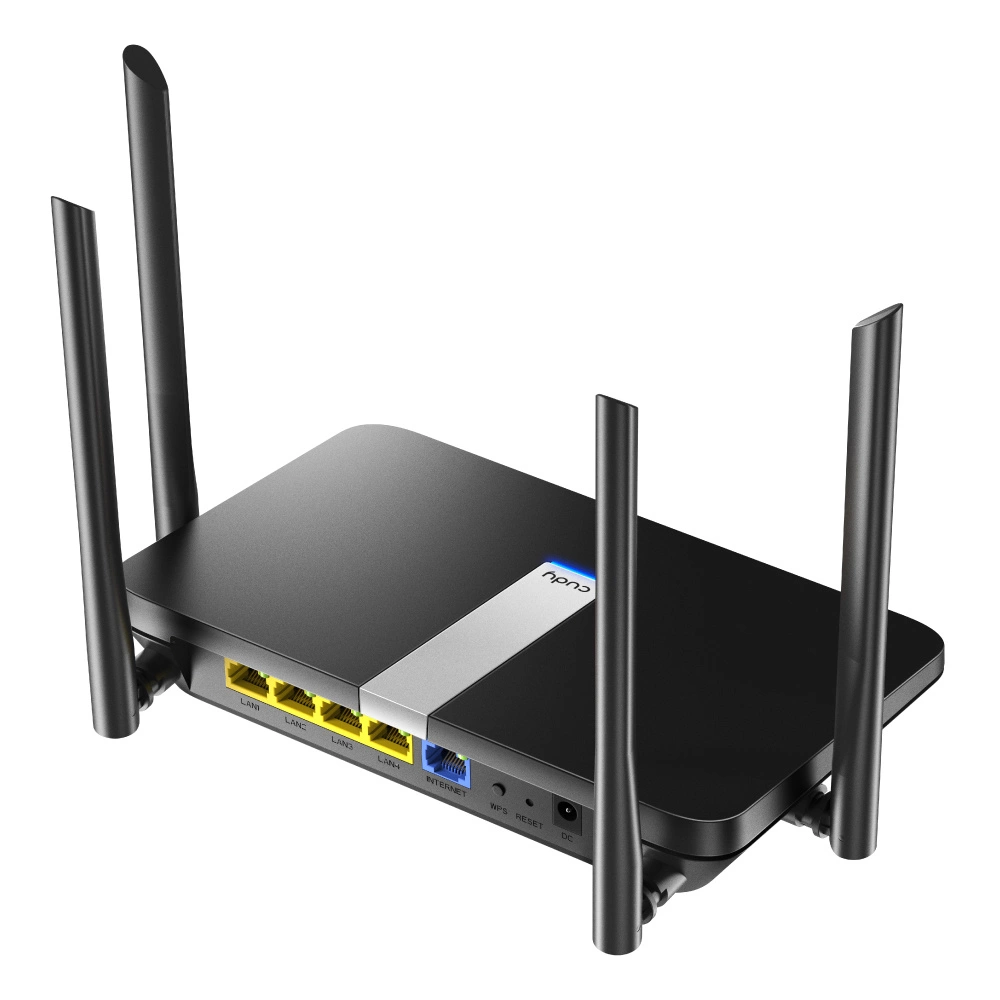
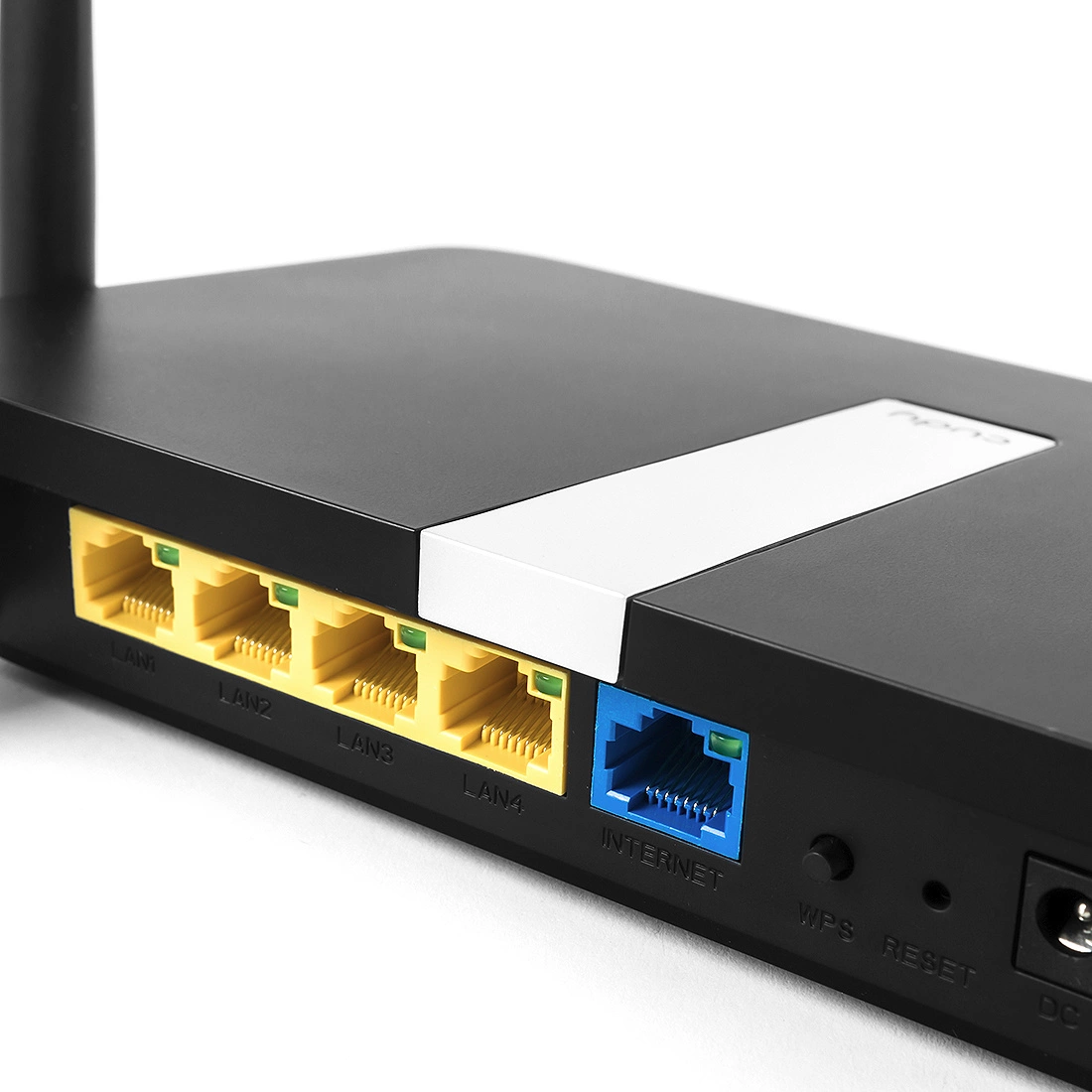
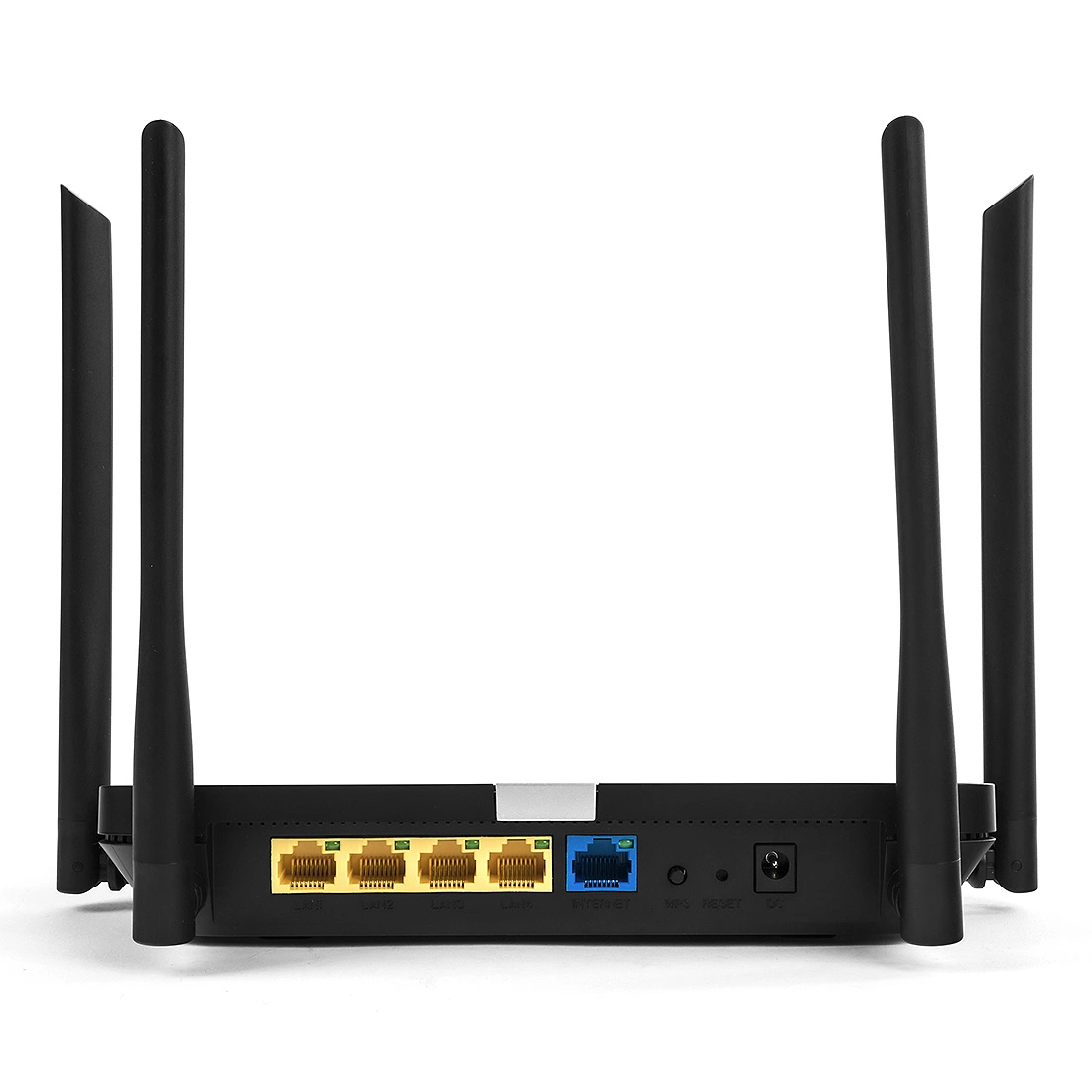
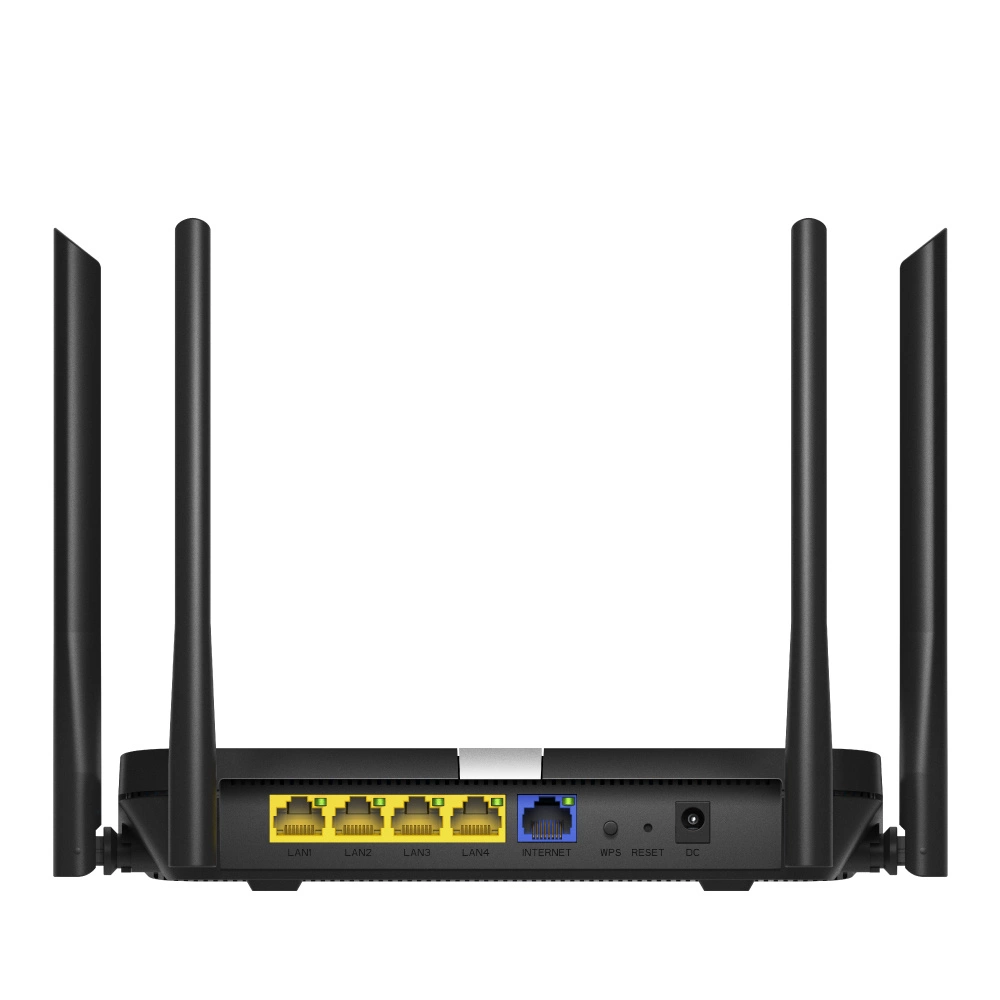
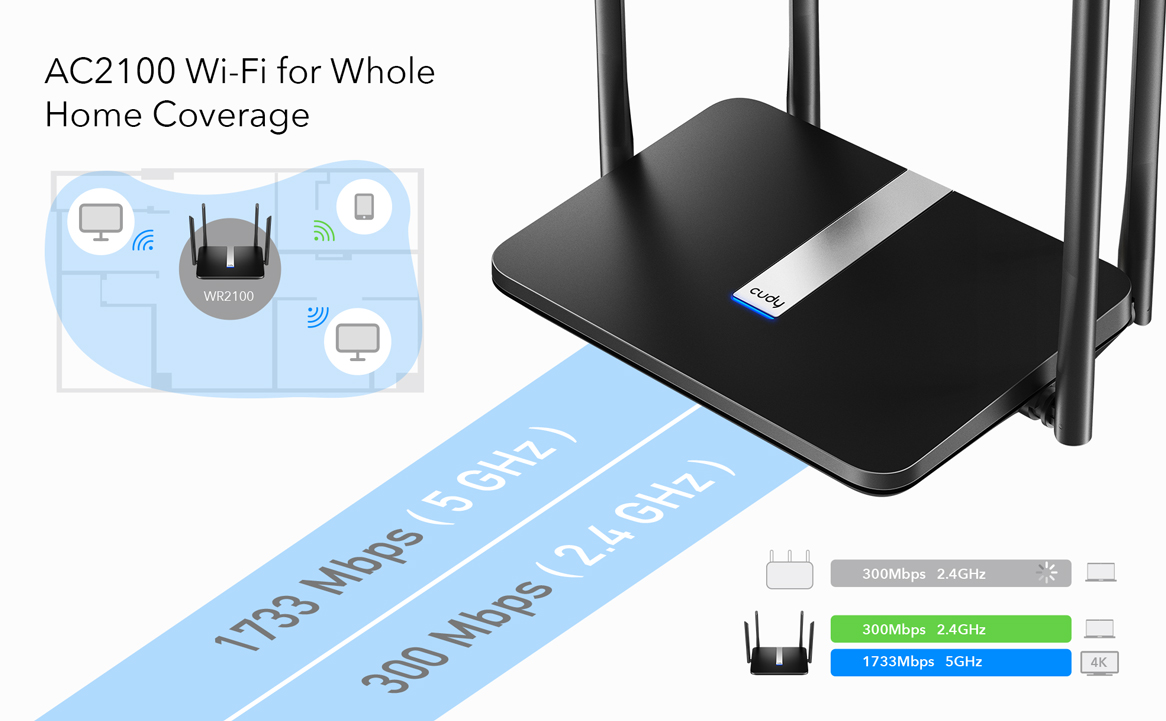
Router WiFi Cudy WR2100 pozwala na pobieranie danych do 1733 Mbps przy 5GHz i 300 Mbps w paśmie 2.4GHz. Przekłada się to na błyskawiczne ładowanie stron internetowych, komfortowe oglądanie wideo w sieci czy słuchanie muzyki za pośrednictwem serwisów streamingowych. Pliki ściągną się w mgnieniu oka. Jest to więc doskonałe urządzenie nie tylko do użytku domowego, ale także na potrzeby średniej wielkości firmy. Urządzenie umożliwia podpięcie kolejnych 4 urządzeń przy użyciu standardowego portu LAN i modemu lub kolejnego urządzenia za pomoca portu LAN / WAN. Poprzesz WiFi podłączonych urządzeń może być nawe kilkadziesiąt! Ta funkcjonalność doskonale sprawdzi się, gdy często pracujesz w terenie i potrzebujesz udostępnić internet mobilny dla kilku urządzeń jednocześnie. 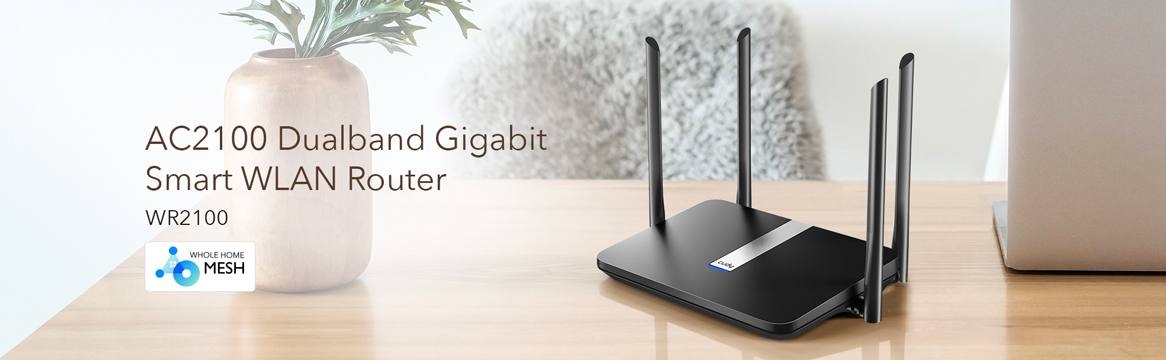
Wysoka prędkość 2100mb/s z niezawodnym Wi-Fi 6
Router WR2100 wykorzystuje najnowszę technologię WiFi 6. Udostępnia również sieć Wi-Fi z maksymalną prędkością 300 Mb/s w paśmie 2,4 GHz oraz 1733 Mb/s w paśmie 5 GHz. Idealnie sprawdzi się do gier, przesyłania strumieniowego i nie tylko.
Zaprojektowany z myślą o wysokiej wydajności
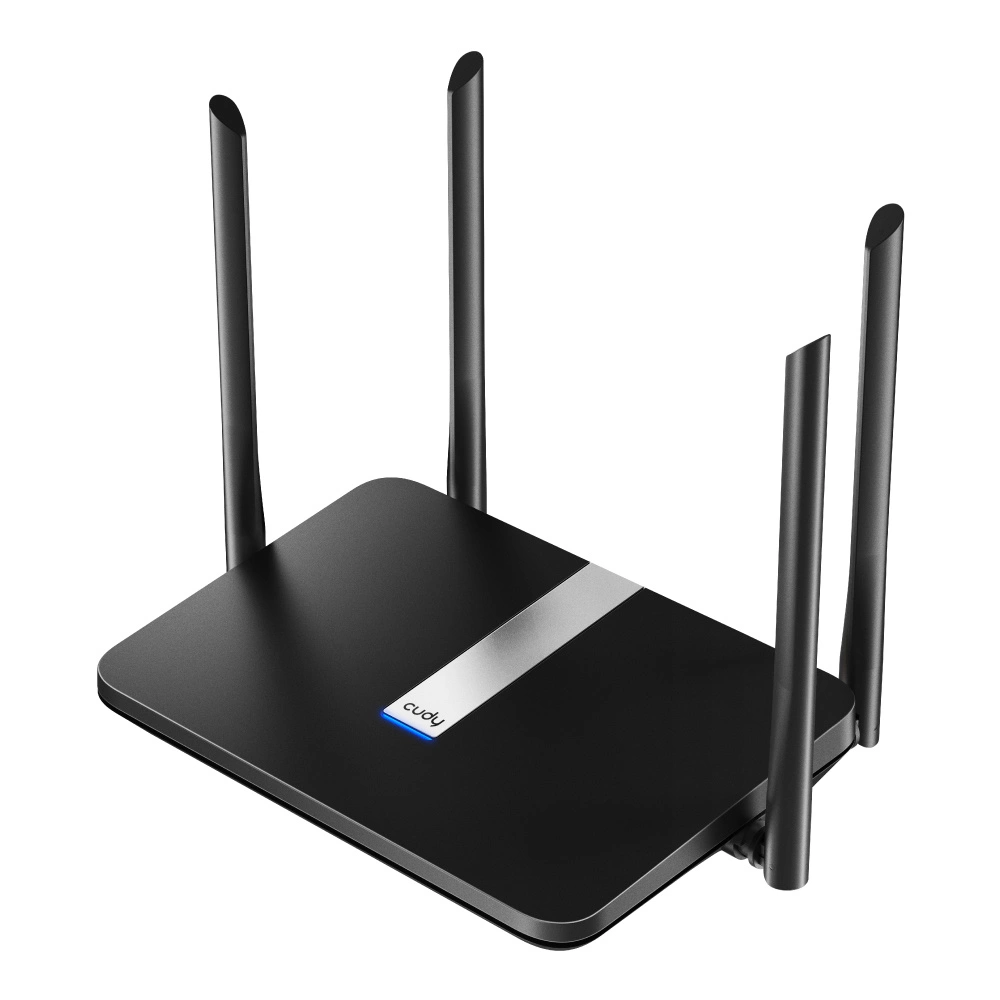
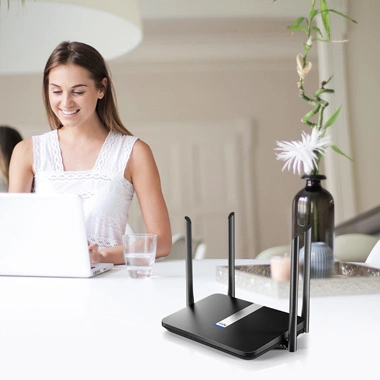
Dzięki czterem wysokim antenom zewnętrznym 5 dBi zapewniasz wydajne i stabilne połączenia z każdym urządzeniem, tworząc sieć Wi-Fi o szerokim zasięgu dla Twojego domu. Wydajny dwurdzeniowy procesor zapewnia płynne przesyłanie strumieniowe 4K UHD do telewizorów Smart TV, urządzeń mobilnych i konsol do gier bez buforowania. Anteny 4x 5dBi o wysokim zysku zwiększają czułość routera WiFi, tworzą połączenia na większe odległości, zapewniając silną penetrację przez ściany.
Kopia zapasowa połączenia WAN
Dzięki w pełni funkcjonalnemu portowi LAN / WAN możesz korzystać z różnych typów połączeń zapasowych, w tym modemów kablowych, światłowodowych i DSL. Jest to bardzo ważne, aby mieć kopię zapasową połączenia WAN - szczególnie jeśli jest ono używane do pracy lub transferu środków finansowych. Nawet jeśli masz połączenie szerokopasmowe, może wystąpić awaria sprzętu lub usługi. W takim przypadku kopia zapasowa połączenia WAN może być niezbędna. Istnieją dwa główne sposoby na utrzymanie kopii zapasowej połączenia WAN - fizyczne i wirtualne. Fizyczny sposób oznacza, że ??masz drugi router podłączony do tego samego łącza, które jest podłączone do routera głównego. Wirtualny sposób oznacza, że ??masz drugie urządzenie (np. Komputer) podłączone do routera głównego za pomocą WAN.
Router z OpenWRT
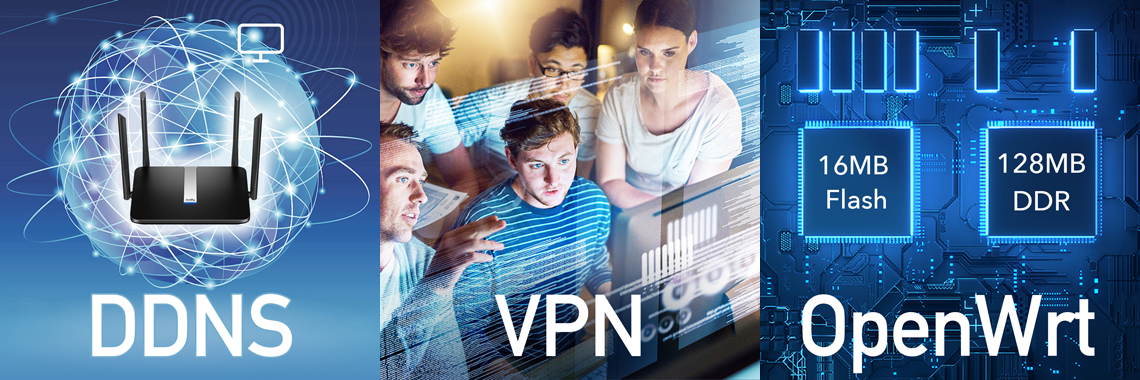
16MB Flash i 128MB DDR3 zapewniają nieprzerwaną pracę systemu operacyjnego, sprawiają, że router działa szybciej i daje większe możliwości rozbudowy funkcji. A jako bing zbudowany z tak dużym flashem i pamięcią DDR, WR2100 umożliwia instalację systemu OpenWrt. Możesz pobrać powiązane oprogramowanie z oficjalnej strony Cudy. OpenWrt został zaprojektowany przez profesjonalistów sieciowych oraz społeczność, którzy dbają o wydajność swojej sieci. Ponieważ OpenWrt jest prawdziwym systemem opartym na Linuksie, masz pełną kontrolę na wszystkimi funkcjami routera. Aktywna społeczność programistów, wolontariuszy i innych długoletnich użytkoników OpenWrt jest zawsze dostępna, aby pomóc rozwiązać problem. Producent dba o aktualizacje oprogramowania dostępne do pobrania na stronie producenta.
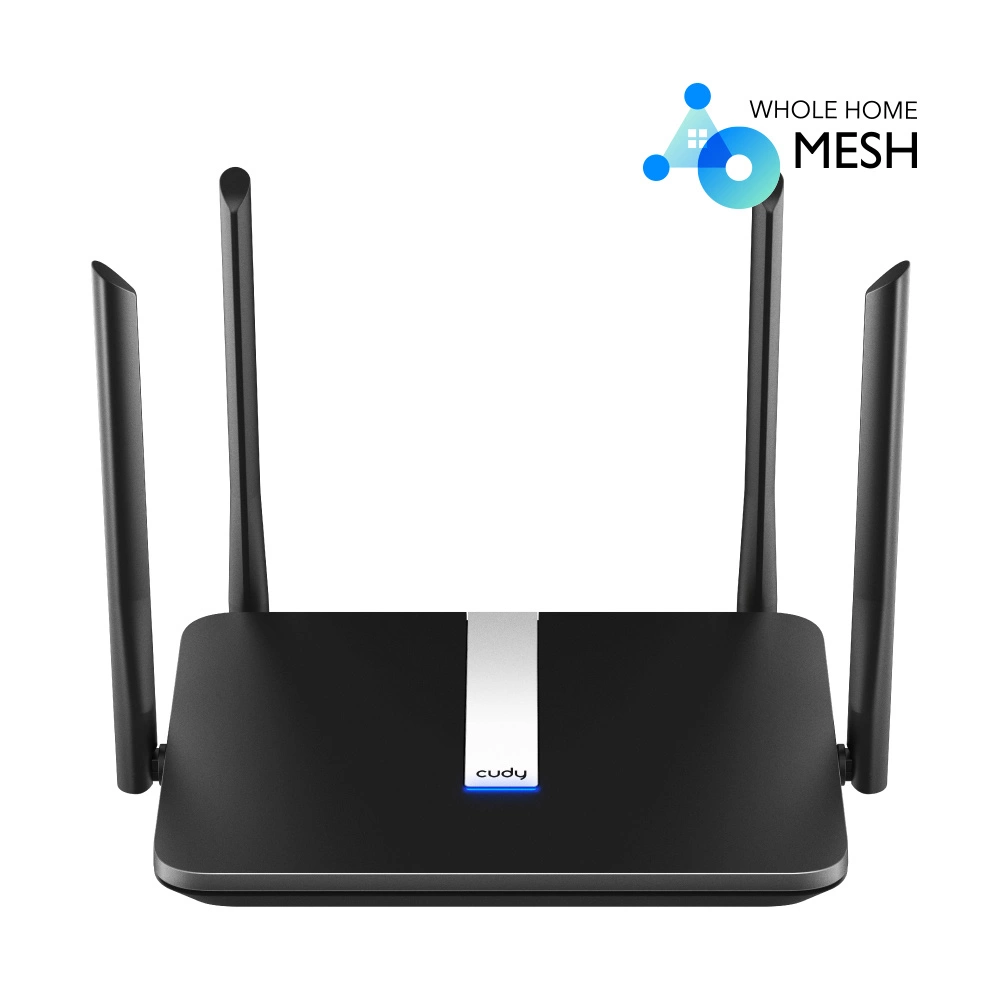
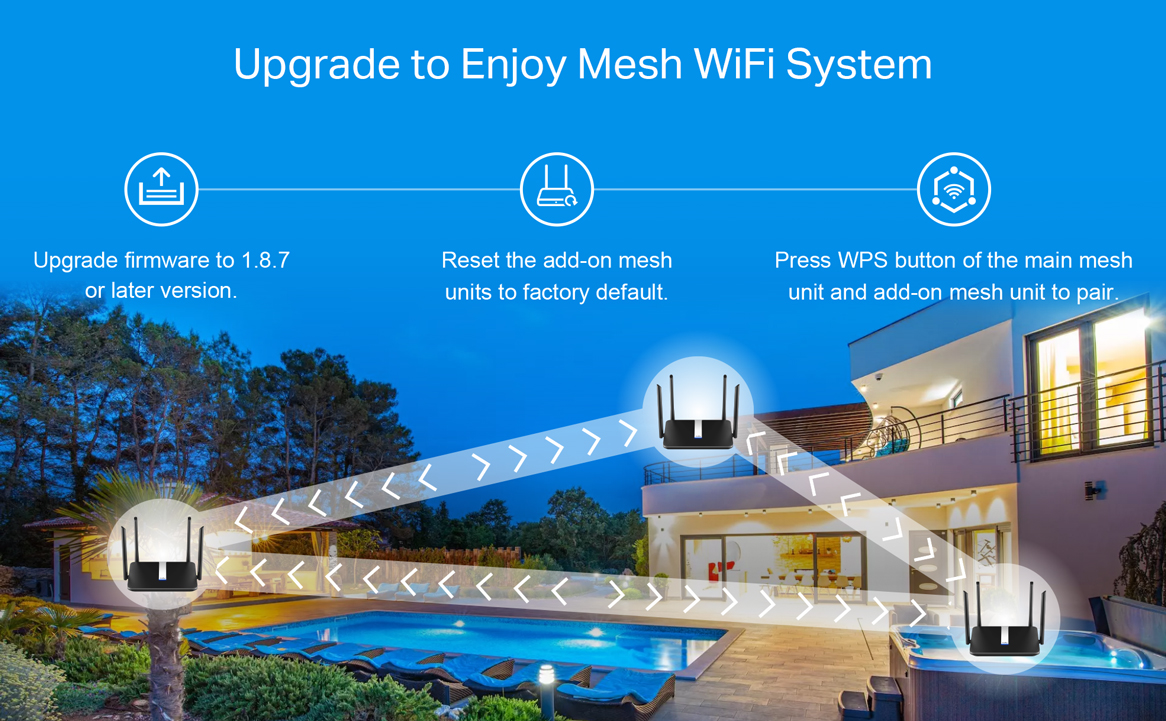
Zaawansowany system mesh Wi-Fi 6 dla całego domu
Mesh zapewnia płynne przesyłanie strumieniowe wideo i szybkie granie online na większej liczbie urządzeń jednocześnie. System jest idealny do średnich i dużych domów o powierzchni. Doświadcz wiodącej w branży prędkości AX1800 Wi-Fi 6. OFDMA poprawia przepustowość i wydajność Twojej sieci, dodawanie większej liczby urządzeń Wi-Fi (60+) nie będzie już oznaczać spadku wydajności, z łatwością obsłużysz dziesiątki urządzeń w tym samym czasie. Bezproblemowy roaming, prosty i inteligentny. Technologia roamingu pomaga automatycznie przełączać urządzenie na najsilniejszy sygnał Wi-Fi, gdy przenosisz się z jednego pokoju do drugiego, unikniesz ręcznego przełączania się między sieciami, co jest bardzo wygodne. Zaawansowane bezpieczeństwo i prywatność. Bezpieczeństwo VPN z OpenVPN / WireGuard / PPTP / L2TP pomaga budować niezawodne połączenia VPN. Szyfrowanie DNS przez Cloudflare, NextDNS lub Google chroni prywatność. Najnowszy protokół WPA3 poprawia cyberbezpieczeństwo w sieciach osobistych. Łatwa konfiguracja i uniwersalna kompatybilność. Wstecznie kompatybilny z 802.11ax/ac/a/b/g/n, idealny dla każdego planu internetowego do 1 Gb/s i współpracuje z dowolnym modemem dostawcy usług internetowych (ISP). Ustaw główną jednostkę Wi-Fi i naciśnij przycisk parowania, a następnie zbuduj cały domowy system Wi-Fi, bardzo łatwy w użyciu.
Router z obsługą VPN
Dzięki wbudowanym klientom VPN PPTP / L2TP, ten router może łatwo nawiązać połączenie z serwerem VPN w celu przesyłania wszystkich danych i ruchu online, jednocześnie zabezpieczając je szyfrowaniem. Możesz użyć tej funkcji, aby połączyć swoją sieć domową z siecią firmową lub szkolną. Wystarczy raz skonfigurować router, a wszystkie urządzenia w sieci można podłączyć. Znacznie ułatwi ci pracę, naukę i życie.
Obsługa ponad 20 DDNS
Kiedy ubiegasz się o pakiet internetowy od operatora, operator zazwyczaj przypisuje ci adres IP losowo. Losowy i często zmieniający się adres IP nie może być używany do zdalnego zarządzania sieciami domowymi i sprzętem. Możesz powiązać swój domowy adres IP z niestandardową nazwą domeny za pomocą funkcji DDNS. Bez względu na to, jak zmieni się IP, nazwa domeny może wskazywać na Twoją sieć, co umożliwia zdalne zarządzanie.
Specyfikacja:
- Model: WR2100
- Processor: Dual-Core CPU
- Flash: 16MB
- DDR: 128MB
- Antenna: 4× Fixed Omni-Directional Antennas
- Interface: 1× 1000/100/10 Mbps WAN Port, 4× 1000/100/10 Mbps LAN Ports
- Button: WPS Button, Reset Button
- External Power Supply: 12 V / 1.5 A
- Dimensions ( W x D x H ): 204.8 x 137. 5 x 38. 3mm
- Wireless Standards: IEEE 802.11ac/n/a 5 GHz, IEEE 802.11n/b/g 2.4 GHz
- Frequency: 5 GHz, 2.4 GHz
- Signal Rate: 1733 Mbps (5 GHz), 300 Mbps (2.4 GHz), Compatible with 802.11a/b/g/n/ac Wi-Fi standards
- Transmit Power: CE: <20dBm(2.4 GHz), <23dBm(5.15 GHz~5.25 GHz), FCC:<30dBm(2.4 GHz & 5.15 GHz~5.825 GHz)
- Wireless Modes: Enable/Disable Wireless Radio, WMM, WEP, WPA/WPA2,
- Wireless Functions: WPA-PSK/WPA2-PSK
- Software Features: WAN Type Dynamic IP/Static IP/PPPoE
- Management: Parental Control, Guest Network
- DHCP: Server, DHCP Client List, Address Reservation
- Dynamic DNS: Compatible with 15 more DDNS providers
- Guest Network: 2.4 GHz guest network × 1, 5 GHz guest network × 1
- NAT: Port Forwarding, Port Triggering, UPnP, DMZ
- VPN Client: PPTP/L2TP/OpenVPN/WireGuard
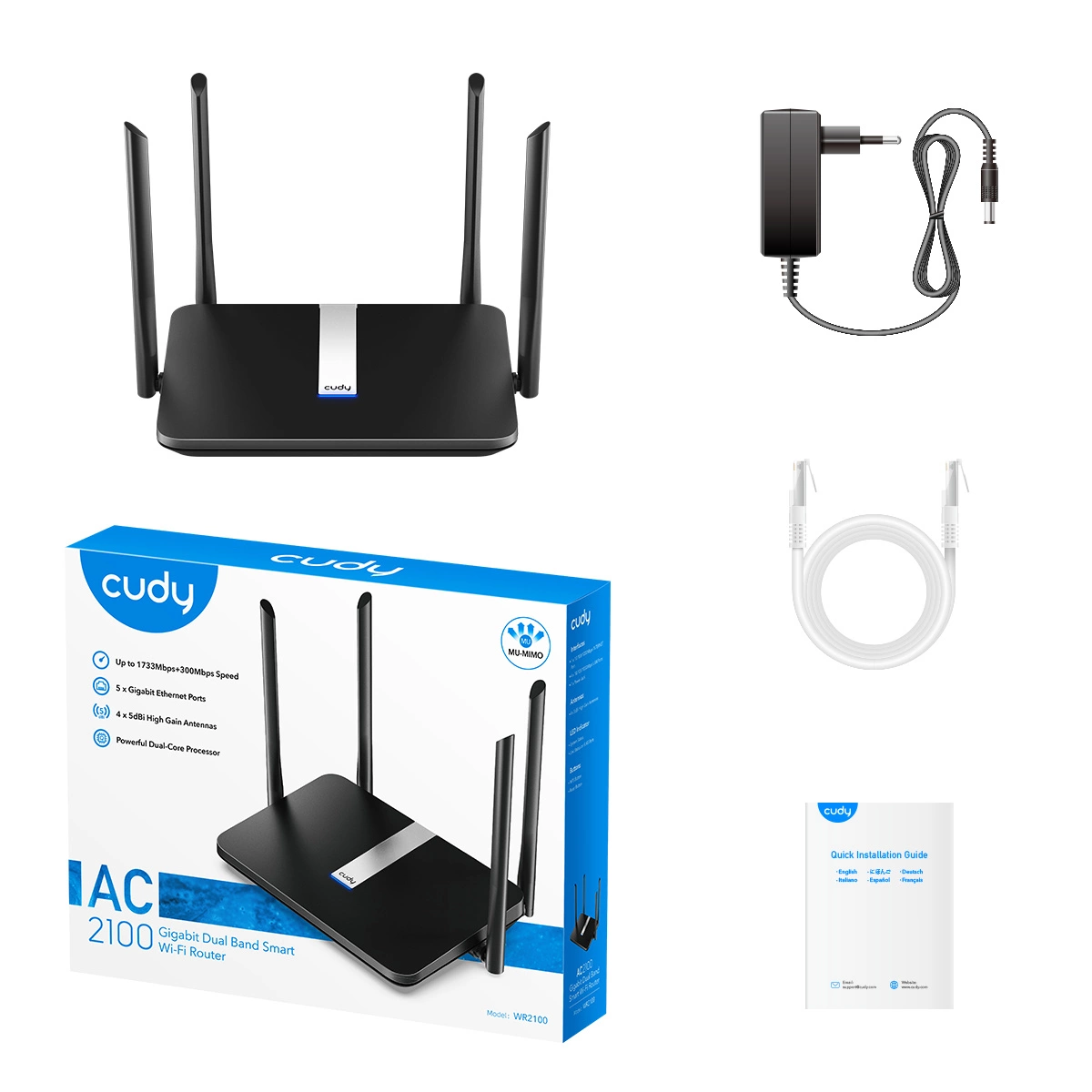
Package Contents
AC2100 Wi-Fi Router
Power Adapter
RJ45 Ethernet Cable
Quick Installation Guide
System Requirements
- Microsoft Windows 98SE/NT/2000/XP/Vista?/7/8/8.1/10, MAC OS, NetWare, UNIX or Linux,
- Internet Explorer 11, Firefox 12.0, Chrome 20.0, Safari 4.0, or other Java-enabled browser
- Cable or DSL Modem
- Subscription with an internet service provider (for internet access)